Smart PDF Filler spots every tick box, writing line and signature space on your form, including scanned ones. Click a box and the tick lands in it. Click a line and type. Sign and date in one go.
Free for 2 documents a month. No account. No watermark. Your documents stay on your computer. See pricing.
The forms people fill in are the most private things they have: medical history, bank details, passports. So Smart PDF Filler was built so it never needs to see them.
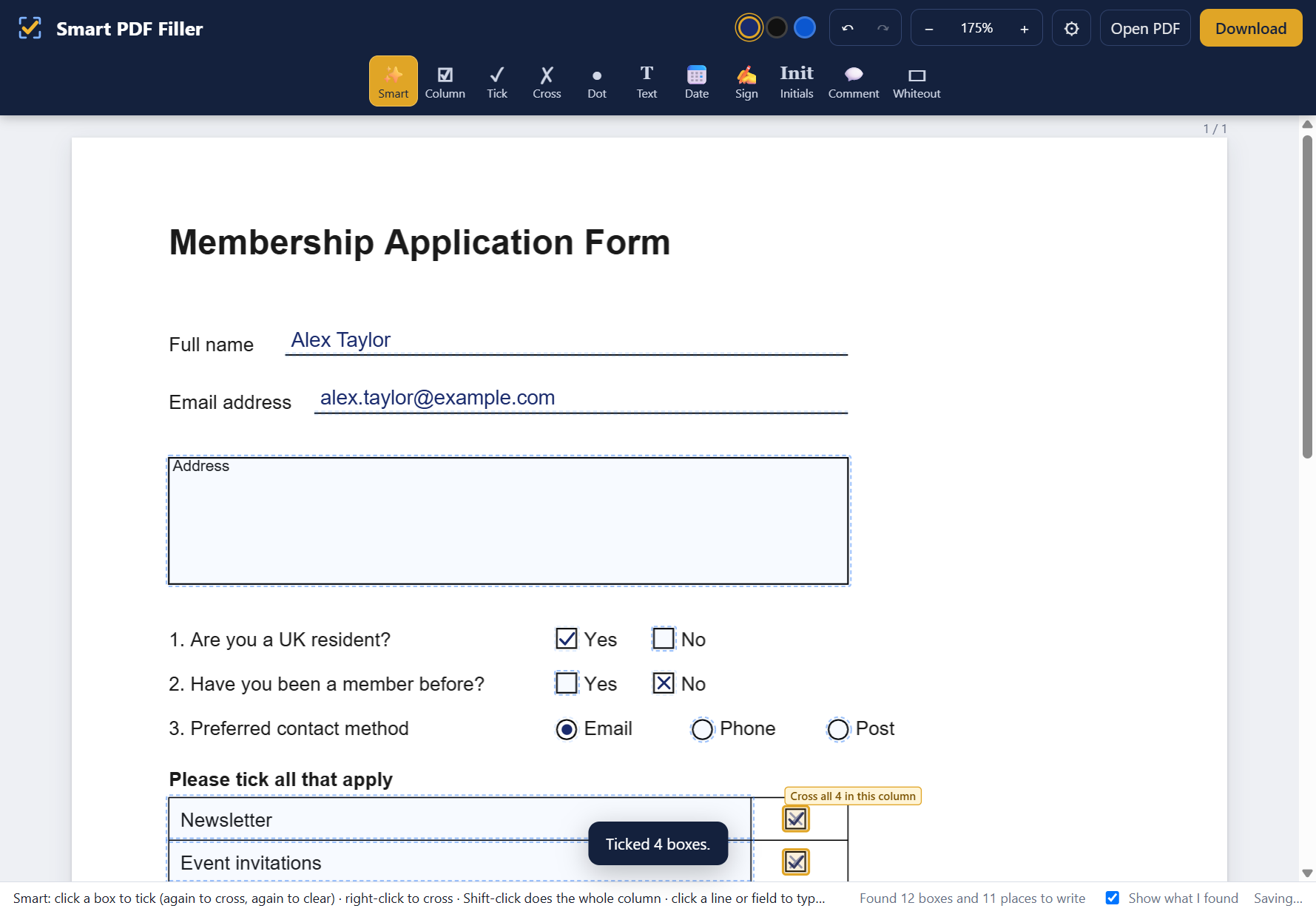
Most PDF tools make you pick a tick, then nudge it around until it sits in the box. Smart PDF Filler reads the form first, so it already knows where everything goes.
Drop it in, or right-click it and choose Open with Smart PDF Filler. It finds the boxes, lines and signature spaces in a moment.
Click a box to tick it, again to cross it. Click a line to type. Lines labelled Signature or Date fill themselves in.
Save a normal PDF that opens anywhere. Real form fields are filled properly, and nothing is watermarked.
Built for the forms people actually get: consent forms, applications, questionnaires, tax and medical paperwork.
"Tick all that apply"? Shift-click one box and the whole column is ticked.
Draw it, type it, or use a photo. It sits neatly on the signature line every time.
Today's date in the format you choose, and your initials, in one click.
Text sizes itself to the box. Make it bigger or smaller, pick a font, make it bold.
Leave a note for your accountant or solicitor that pops up in their PDF reader, without changing the form.
Works on scanned paper forms, not just digital ones, and on real fillable PDFs.
Free for 2 documents every month, with every feature and no watermark. For unlimited documents, Smart PDF Filler Plus is £24.99 a year.
See plans Smart PDF Filler